Frontend/Landing Page Documentation
Introduction
This documentation outlines each section of your landing page, its customization options, and how to manage them from the backend. Each section is fully customizable and can be shown/hidden as needed.

1. Hero Section
The hero section is the first and most important part of your landing page. All information are editable
2. About Section
This section provides a brief overview of your project or application.
Key Features:
- Description of the purpose and features of your app or project.
- Option to include an image or video.
Customization Options:
- Content and media can be updated.
- Images/videos can be shown or hidden.
3. Feature Section
This section highlights the various features of your product.
Sub-sections:
3.1 Main Feature
- Displays a list of primary features.
- Each feature includes a title, description, and an icon or image.
Customization Options:
- Feature title, description, and icon can be fully customized.
3.2 Get Embedded Code
- Provides an option to share embeddable code.
- Can be shown/hidden from the backend.
Customization Options:
- Embedded code text can be edited.
3.3 Playground Feature
- Allows users to experiment with different items.
Customization Options:
- Content and items can be updated.
3.4 Training Source
- Displays information on how users can train AI models using their data.
- Can be shown/hidden.
Customization Options:
- Information can be updated, and the section can be shown/hidden.
3.5 Customize Feature
- Provides customization options for chatbot bubbles and other elements.
- Can be shown/hidden.
Customization Options:
- Chatbot bubble color, size, and text can be customized.
4. Package Section
This section displays available packages.
Key Features:
- Information and pricing of various packages.
Customization Options:
- Package details can be updated.
- The section can be shown/hidden.
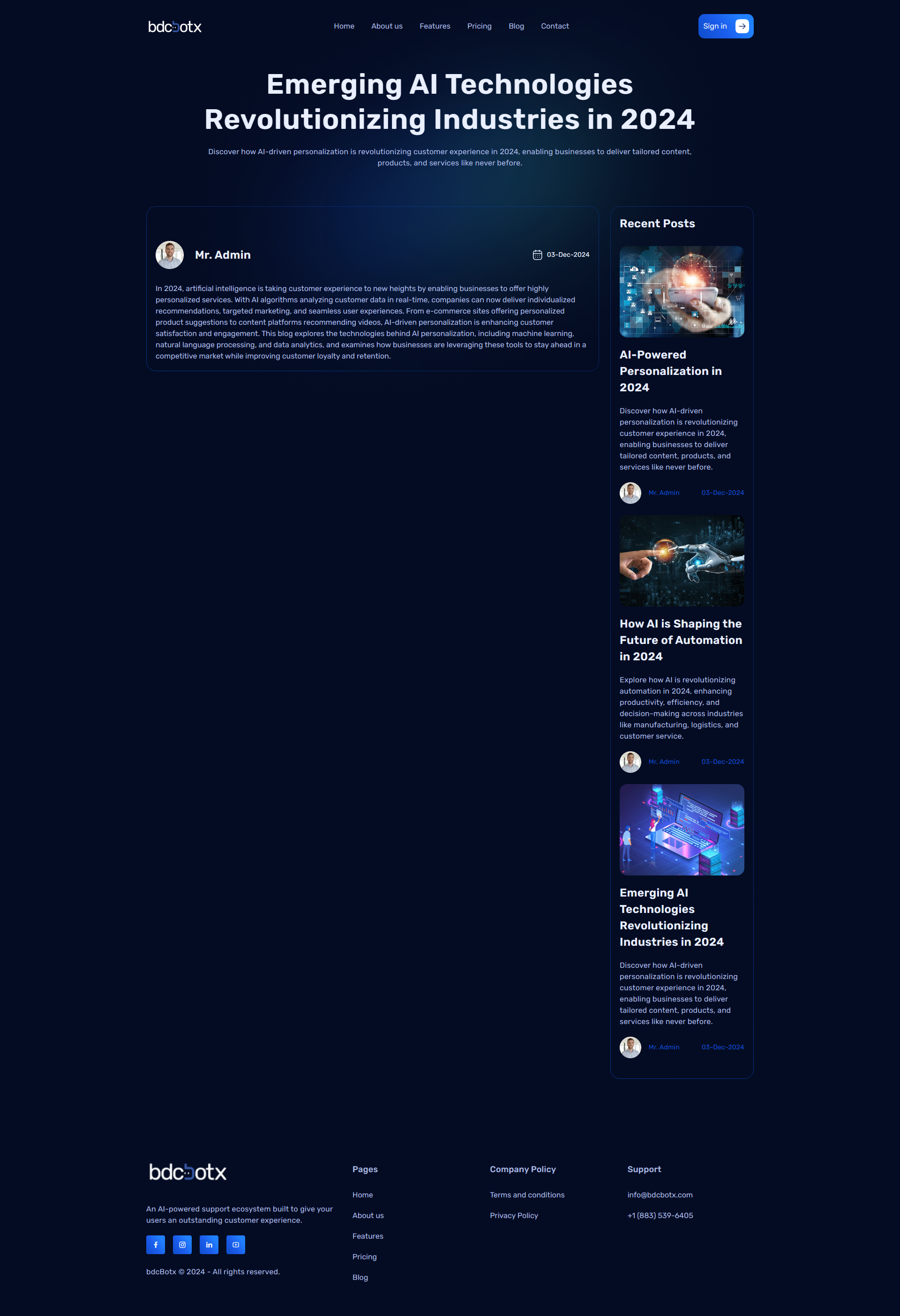
5. Blog Section
This section displays blog posts in a slider format.
Key Features:
- Blog title, image, and short description are displayed.
- Clicking on a blog redirects to the detailed page.
6. Contact Us / Let's Talk Section
This section allows users to send messages to you.
Key Features:
- Form for name, email, and message submission.
- Can be shown/hidden.
7. Let's Go Section
This section provides a concise summary of your app's purpose and actions.
Customization Options:
- Title, description, and CTA button text can be edited.
8. Footer Section
The footer is the final part of your website, divided into four parts.
Parts:
8.1 Logo & Social Links
- Includes the logo, a short description, and social media links.
8.2 Page Links
- Links to important pages of your site.
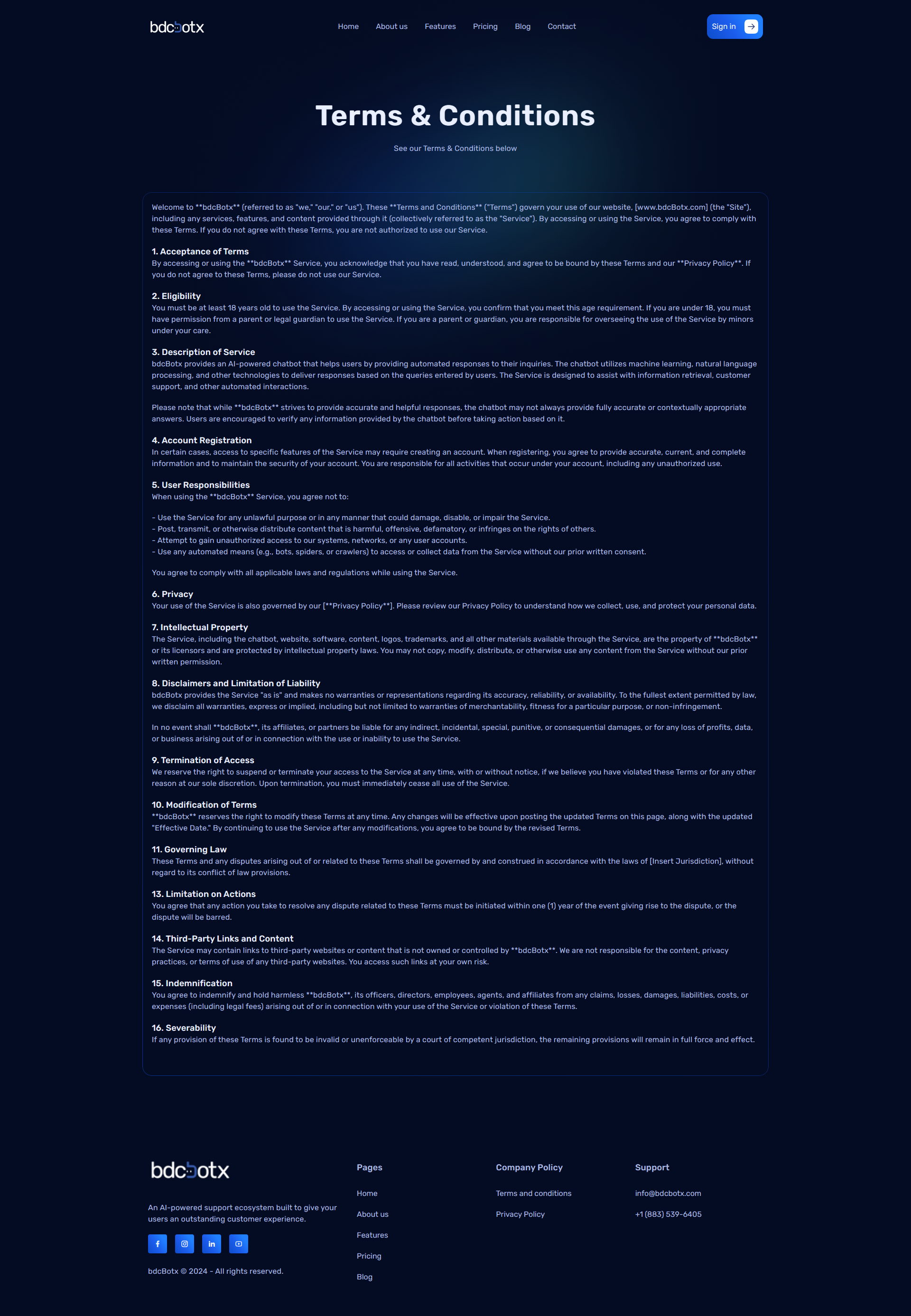
8.3 Terms & Condition
- Links to terms & condition pages.
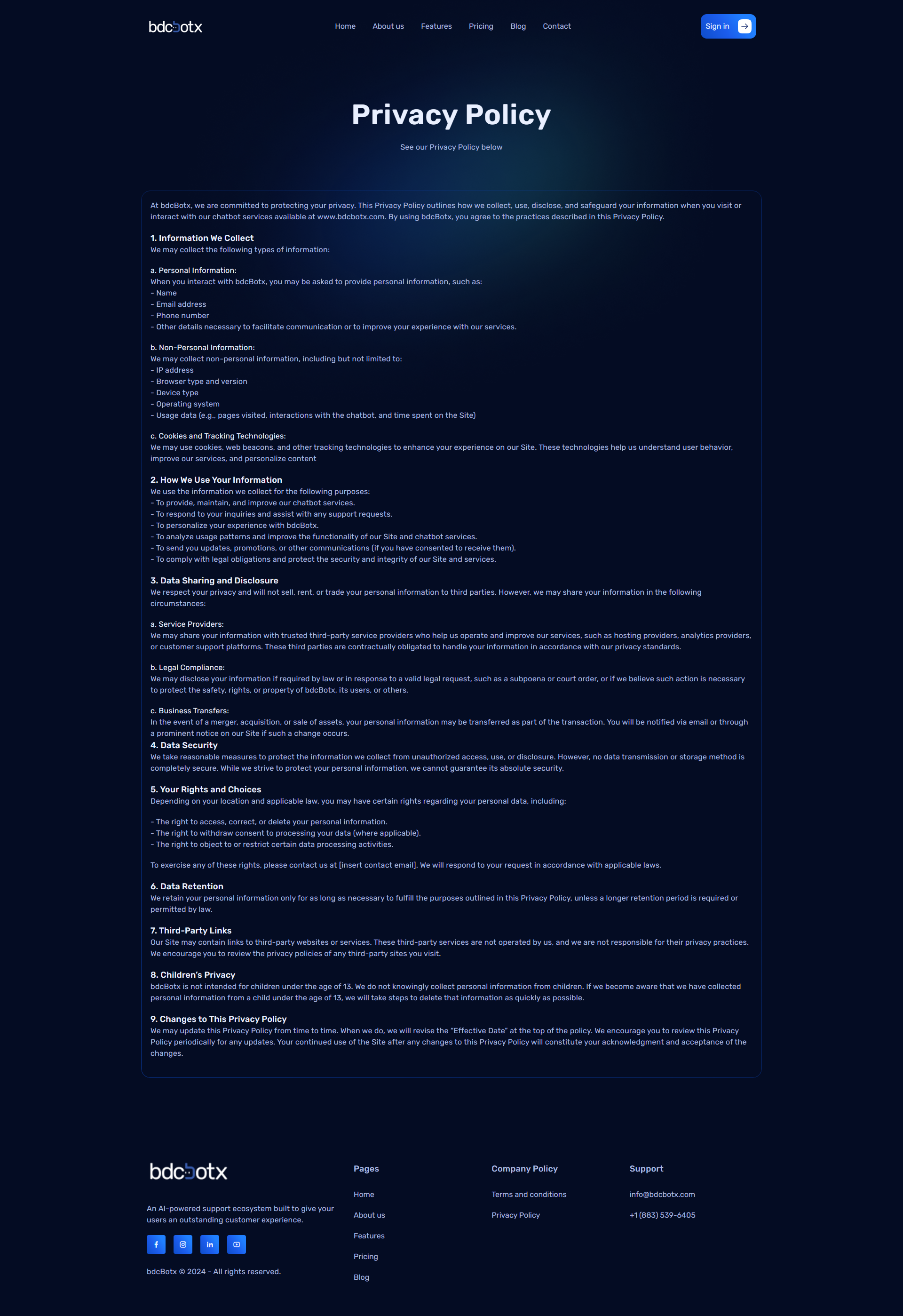
8.3 Privacy Policy
- Links to Privacy Policy pages.
8.4 Support Info
- Includes support email, phone number, and other contact information.
Customization Options:
- All text, links, and icons can be modified from the backend.
Conclusion
This documentation serves as a guideline for managing and customizing your landing page. Each section can be edited, shown, or hidden according to your needs.